CATEGORY PAGE (RESOURCES)The Benefits of In-house Social Media Training
Changing algorithms, new ad options, new functionalities – the constant changes in the social media landscape can be hard to stay on top of, and causes headaches for many organisations.
In a survey by Sensai, 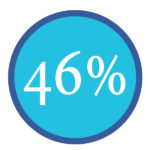
of respondents shared that managing social media channels is harder than filling out income tax paperwork.
The top 6 social media marketing challenges we see for businesses
- Facebook algorithm changes
- Rising ad costs
- Getting noticed in overcrowded feeds
- Too many trends/changes to keep up with
- Not enough people and resources
- Not understanding how to measure results
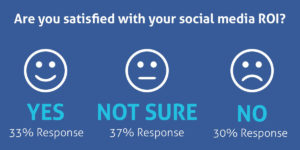
Source: Sensai
Benefits of Social Media Training
- No more ad-hoc social media activity
- Clear, strategic and measurable social media marketing
- Confidence that you are maximising your social media efforts
- Control your share of the conversation without letting your competitors dominate
- Boost staff motivation and morale by developing their skills and knowledge in Social Media
Have you considered Bespoke in-house social media training tailored to meet the requirements of your organisation?
We want to help you become self-sufficient with social media. If you train with us, we’ll give you the confidence, knowledge and practical skills you need to grow. Investing in social media training now will ensure your business does not get left behind.
From building a strategy to what to post and how to analyse results, this training will help you to find new clients, provide support and interact positively with existing and potential customers.
We deliver in-depth courses which give you a blend of best practice, strategy, practical exercises, guides, planning, discussion and Q&A.
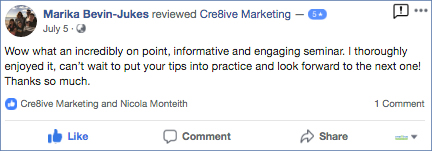
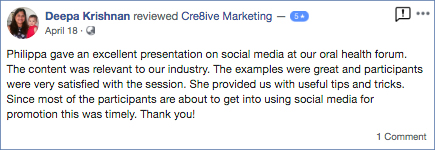
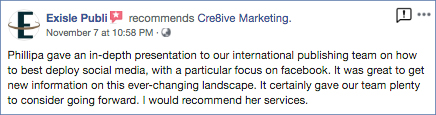
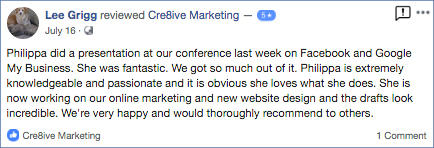
We offer in-house training and workshops and Philippa is often engaged as a keynote speaker. Here is some of our feedback.

Having a Facebook presence isn’t worth much for your brand if you can’t figure out how to cut through the clutter and reach your target market. The best way to do this isn’t what brands like to hear: you need to allocate a budget and spend some money. This is particularly true more than ever since Facebook’s latest algorithm change in January 2018. However, using targeted ads will help you spend wisely.
The more you know about the people you’re advertising to, the better your ads will perform. Facebook offers many options for audience targeting. One of these is Facebook Custom Audiences. With Custom Audiences, you can retarget people who have interacted with your business already. For example, website visitors.
Website Custom Audiences Overview
When you market to a Custom Audience, you know exactly who is seeing your ads. Your messaging can be laser-targeted. This will help you increase your conversion rate and get a better return on your investment.
Most businesses are familiar with the most common types of custom audiences, like custom audiences created from a subscriber email list. There is also the Website Custom Audiences that more businesses should implement for even better results.
Instead of users’ email addresses or phone numbers, you can insert a Facebook Pixel tracking code on your website and target your Facebook Advertising to all users that have visited a specific page on your website during a set time period (up to 180 days).
After you add the Facebook pixel (a snippet of code) to the template of your website, you can create rules based on what page someone visited and how recently. This allows you to target people who know you, and you can craft relevant ads based on specific actions taken on your website.
Here, you’ll be able to create Website Custom Audiences based on the pages your visitor viewed and events they performed – accounting for frequency, values and device used, thereby ensuring you are targeting quality leads from your website and not those who only stay for a matter of seconds and bounce on the first page.
Find out more about the basics of setting up a website Custom Audience.
If you would like help to create a Facebook Marketing Campaign send an email
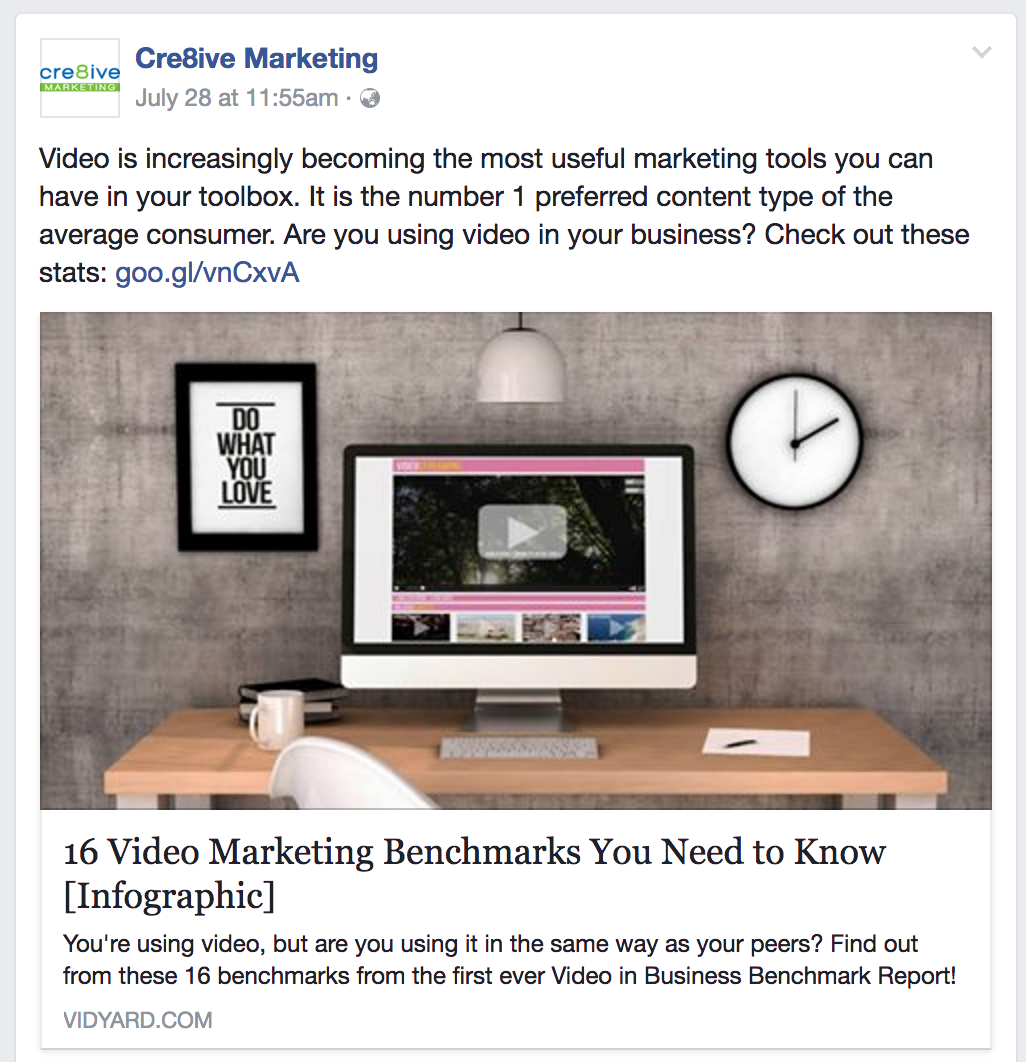
As from 19 July 2017, Facebook removed the ability to edit previews on LINK posts which is when you link to other websites in your post. When you do this type of update, Facebook will fetch this page’s information to display a title, description and image. Previously you could change the image and copy that appeared however now Facebook has stopped this to help limit the spread of false news.
If you want a specific image to appear you will now have to create a photo carousel, see example. The size is now 1080×1080 pixels.
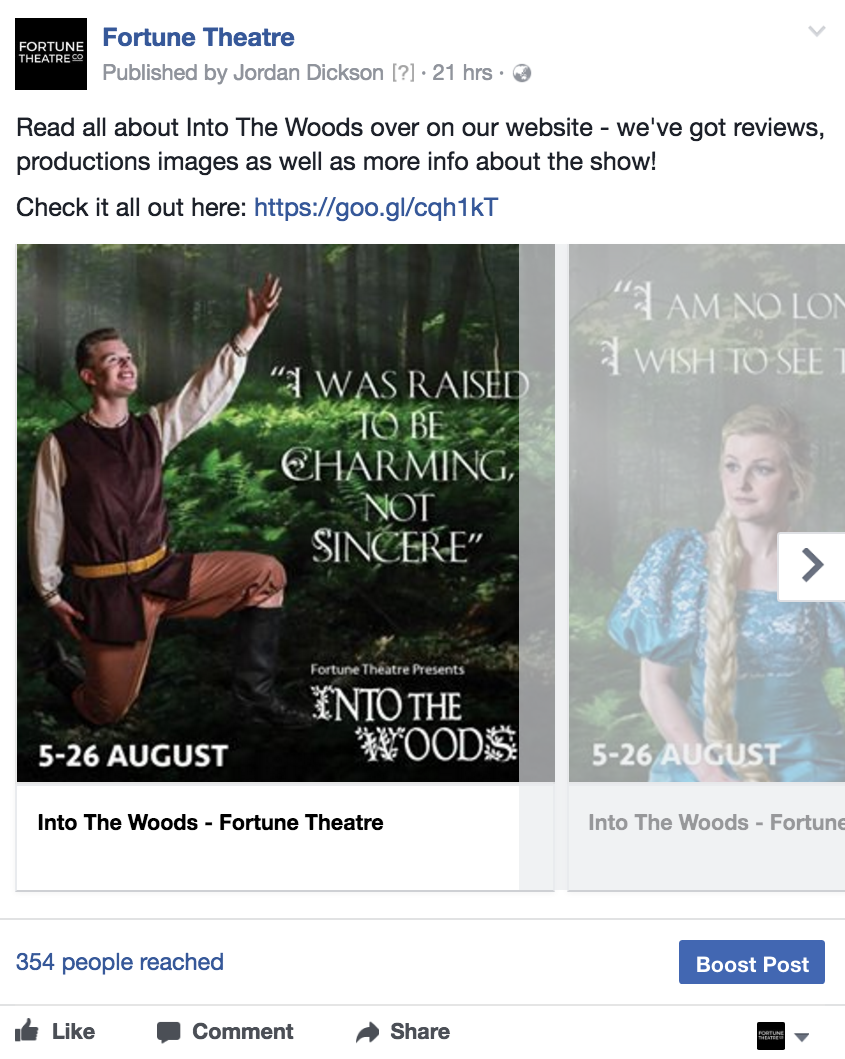
If you want to link a Facebook post to your website, try to keep your web images as close to 1.91:1 aspect ratio as possible to display the full image in News Feed without any cropping. Use images that are at least 1200 x 630 pixels for the best display on high resolution devices.
However, if you are a publisher, Facebook is rolling out a new feature, called “Link Ownership.” It’s a new tab under Publishing Tools and is mostly only available for media pages. If you have access to this feature you will need to act fast as you only have until 12 September to active this feature.
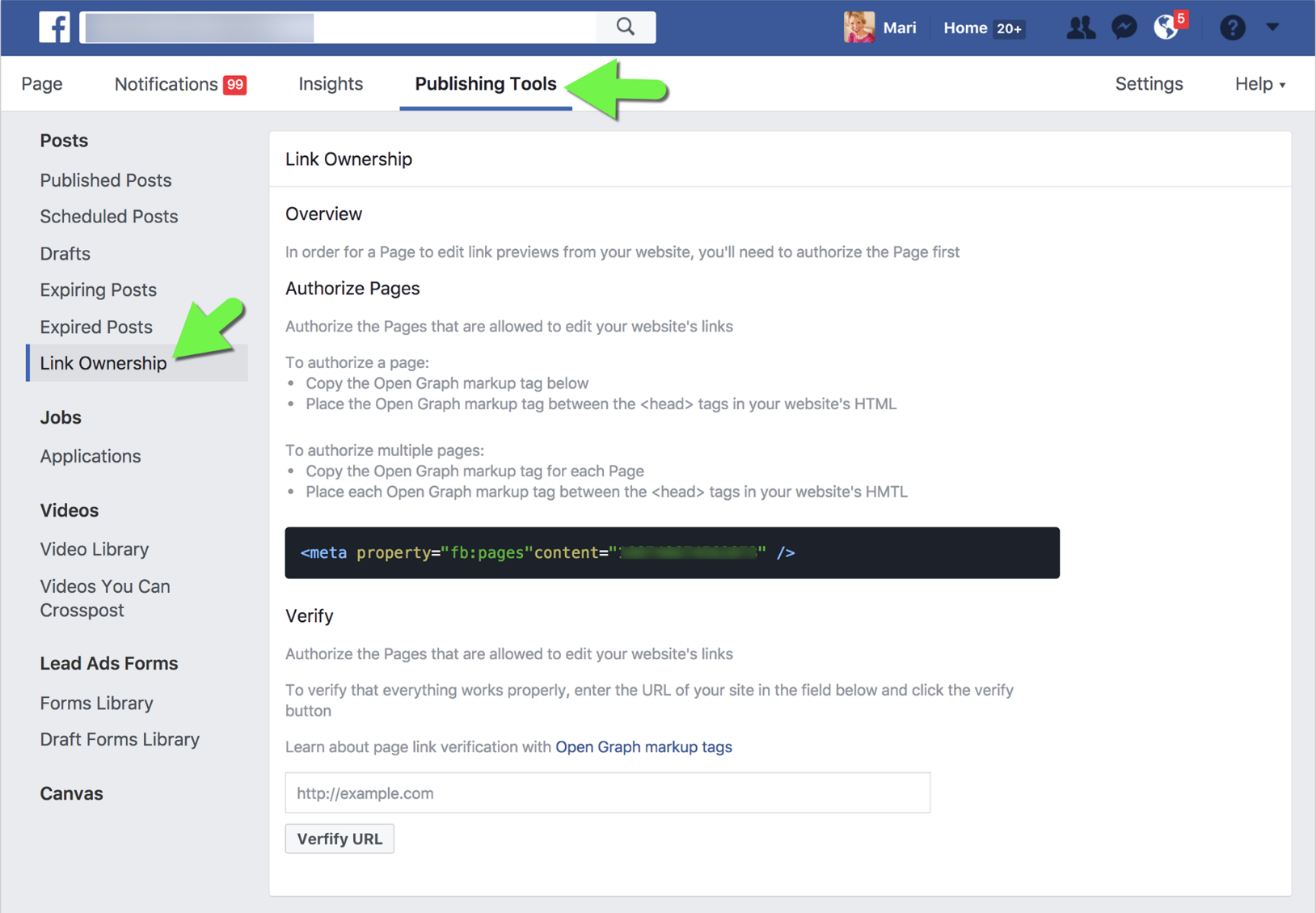
Facebook’s official announcement states:
“On September 12, 2017 we will complete the feature removal such that publishers’ Page(s) will only be allowed to edit links from website domains they have authorised with the link ownership tool.”
The ability to ‘claim’ Link Ownership requires placing a piece of code on your website and then they are able to edit their OWN links – not other’s.